
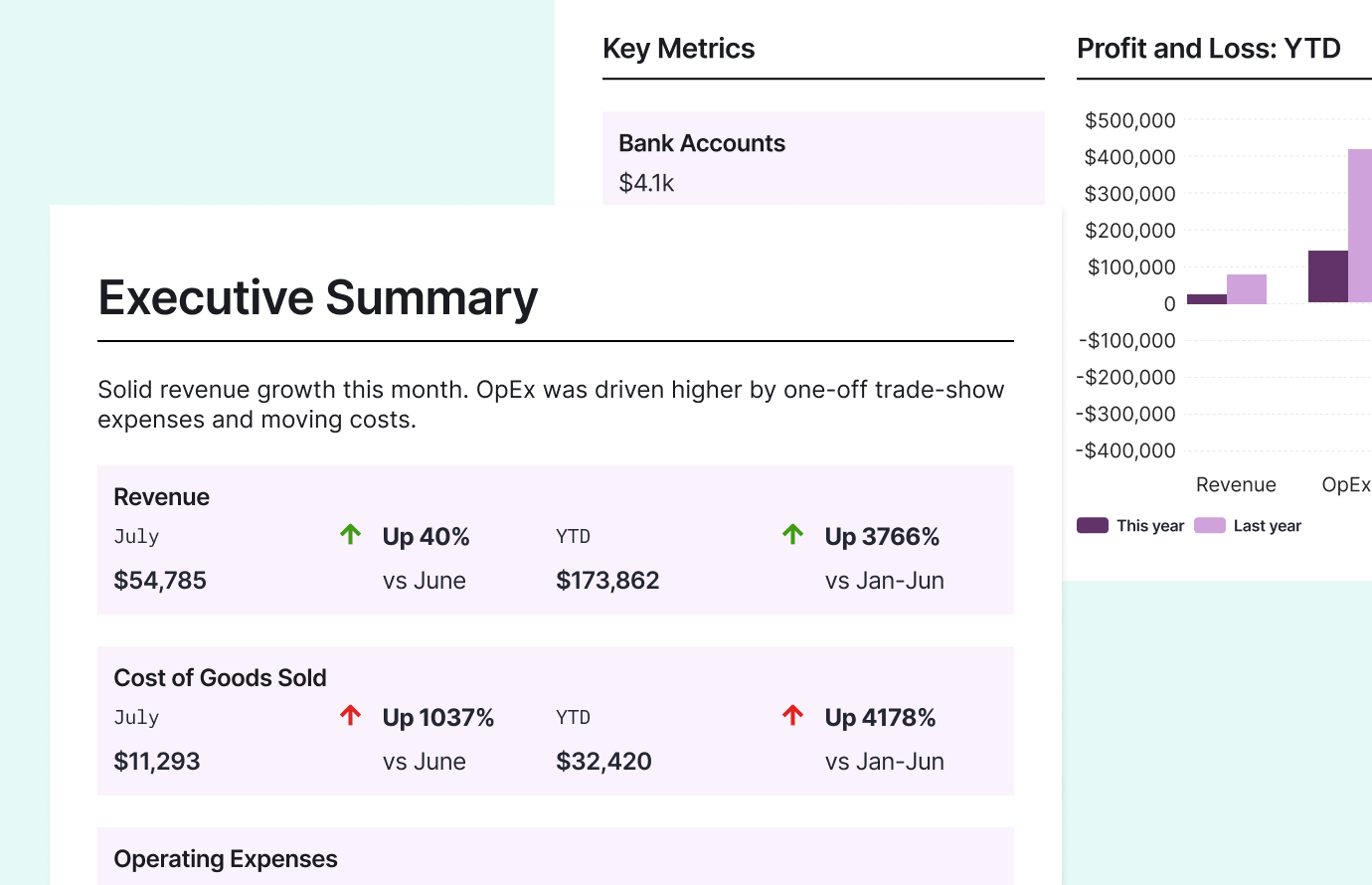
Client financials at a glance
Create reports your clients will actually read.
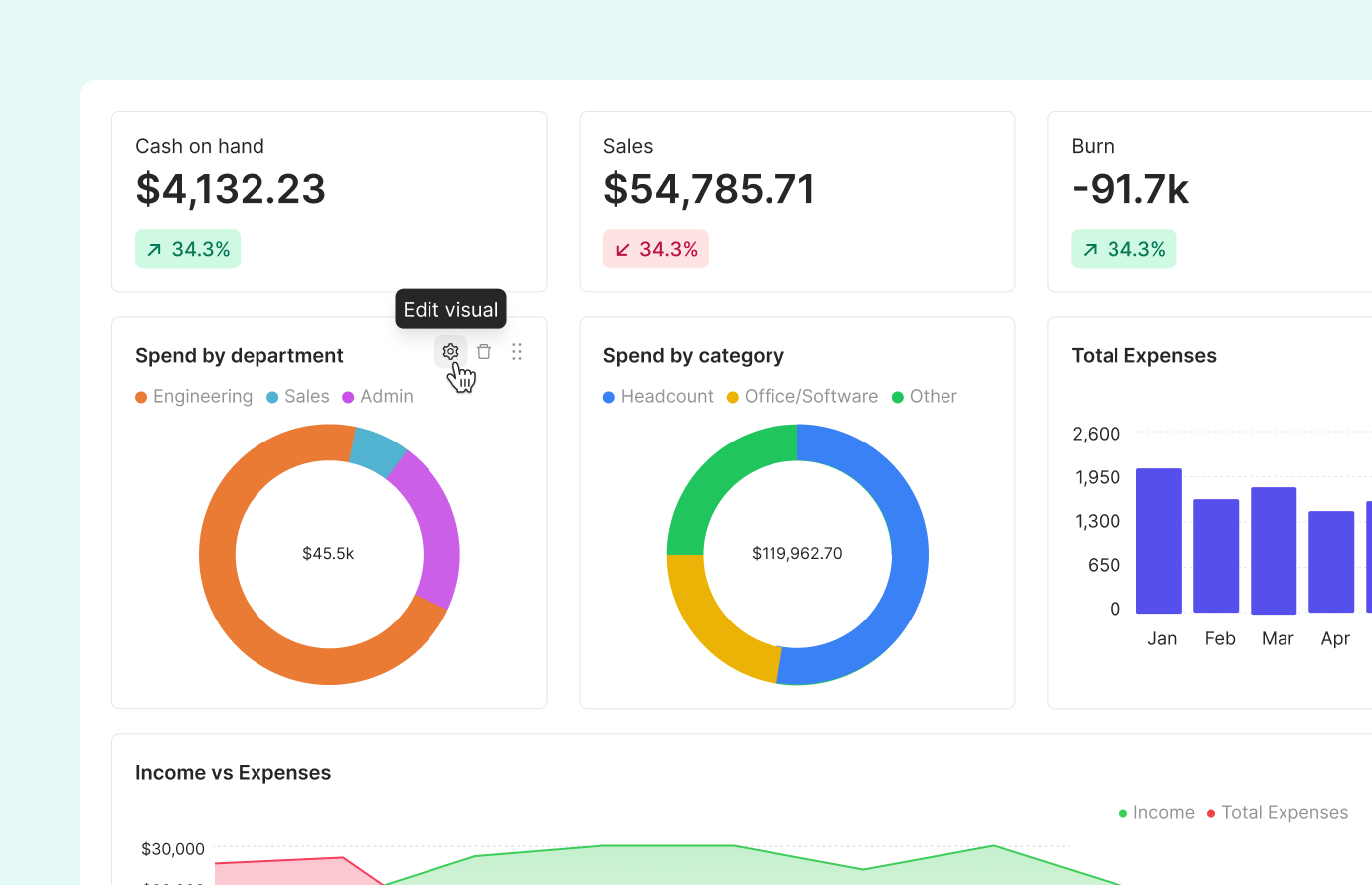
Measure what matters
Create variables using formulas within Double. These metrics will automatically update when your QuickBooks or Xero data does.
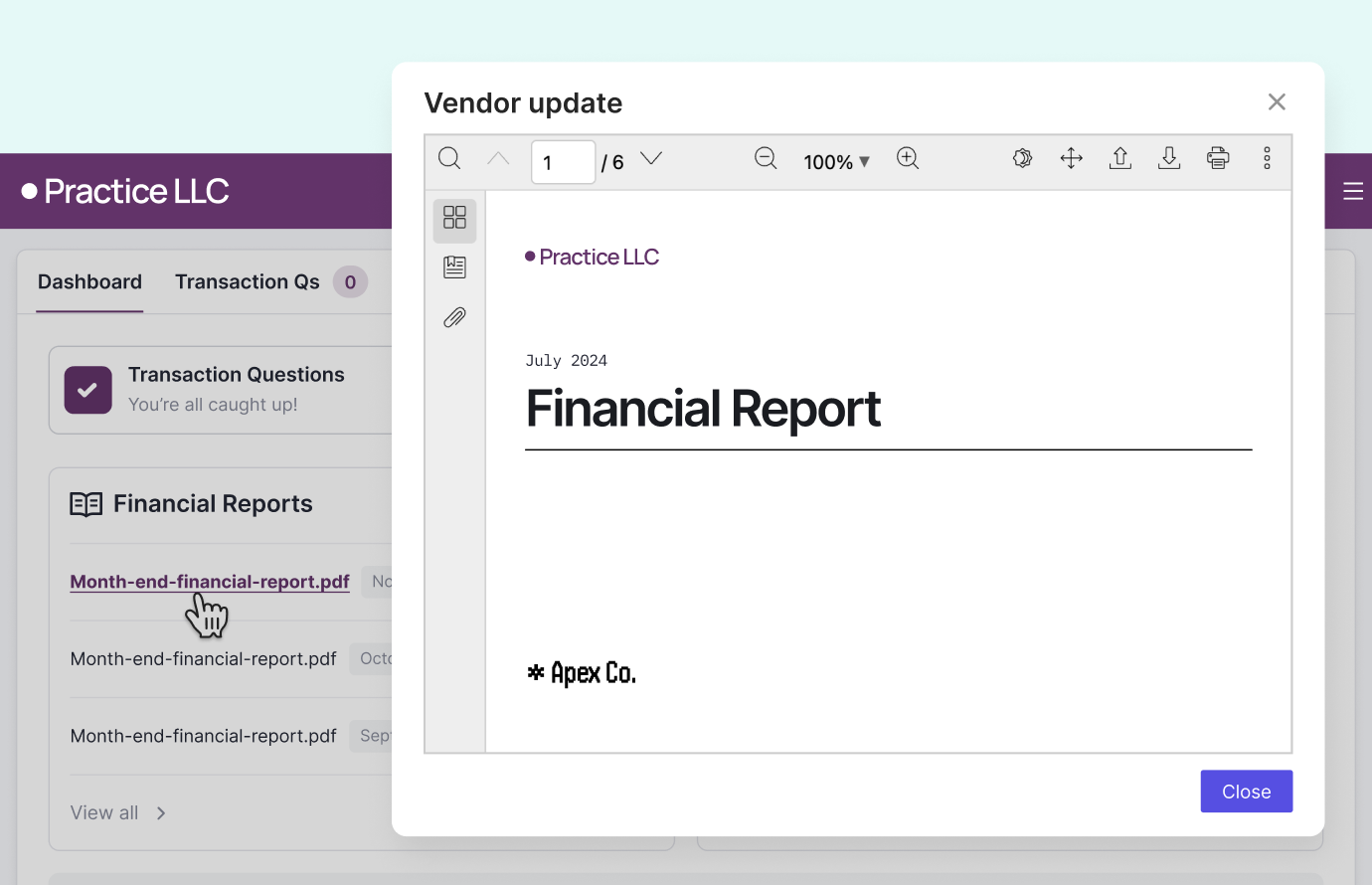
Publish straight to the portal
When you’re finished reviewing and customizing, management reports can be emailed, printed to PDF or published to the Client Portal with just one click.
About the Course
Welcome to our Management Reports & Client Financials course! Explore the world of management reporting, client financials, and data analysis. Gain the expertise to drive business success and make informed decisions. Start mastering financial reporting today! Enroll now to unlock your full potential.
Course Curriculum
-
1
Introduction to Management Reports
-
(Included in full purchase)
Overview
-
(Included in full purchase)
Report Settings
-
(Included in full purchase)
Report Organization
-
(Included in full purchase)
-
2
Building the Report Package
-
(Included in full purchase)
The Cover Page & Table of Contents
-
(Included in full purchase)
The Executive Summary
-
(Included in full purchase)
Key Accounts
-
(Included in full purchase)
A/P and A/R Aging Reports
-
(Included in full purchase)
Metrics
-
(Included in full purchase)
Budget v Actuals
-
(Included in full purchase)
Quiz
-
(Included in full purchase)
-
3
The Executive Summary
-
(Included in full purchase)
Overview
-
(Included in full purchase)
Configuring the Executive Summary
-
(Included in full purchase)
Using AI Summary Notes
-
(Included in full purchase)
-
4
Metrics and KPIs
-
(Included in full purchase)
Understanding Metrics
-
(Included in full purchase)
Creating Variables
-
(Included in full purchase)
Creating Visuals
-
(Included in full purchase)
Adding a Metrics Page
-
(Included in full purchase)
Key Metrics in Management Reports
-
(Included in full purchase)
Quiz
-
(Included in full purchase)
-
5
Interactive Client Reports
-
(Included in full purchase)
Interactive Client Portal Financials
-
(Included in full purchase)
Editing Interactive Reports
-
(Included in full purchase)
Publishing Interactive Financials
-
(Included in full purchase)
The Client Portal
-
(Included in full purchase)
Disabling the Interactive Financials
-
(Included in full purchase)
Quiz
-
(Included in full purchase)
-
6
Best Practices
-
(Included in full purchase)
Footnotes
-
(Included in full purchase)
Legal Disclaimers
-
(Included in full purchase)
Collapsing Accounts
-
(Included in full purchase)
Custom Columns
-
(Included in full purchase)
Client Access
-
(Included in full purchase)
Quiz
-
(Included in full purchase)
-
7
Publishing and Sharing Reports
-
(Included in full purchase)
Publishing Management Reports
-
(Included in full purchase)
Uploading Custom Reports
-
(Included in full purchase)
Printing or Emailing the Financials
-
(Included in full purchase)
Reviewing All Published Financials
-
(Included in full purchase)
Quiz
-
(Included in full purchase)
How did we do?
-
(Included in full purchase)
Ready to Transform Your Financial Reporting Skills?
By the end of this course, you’ll be able to confidently deliver concise, easy to read management reports that your clients need.