
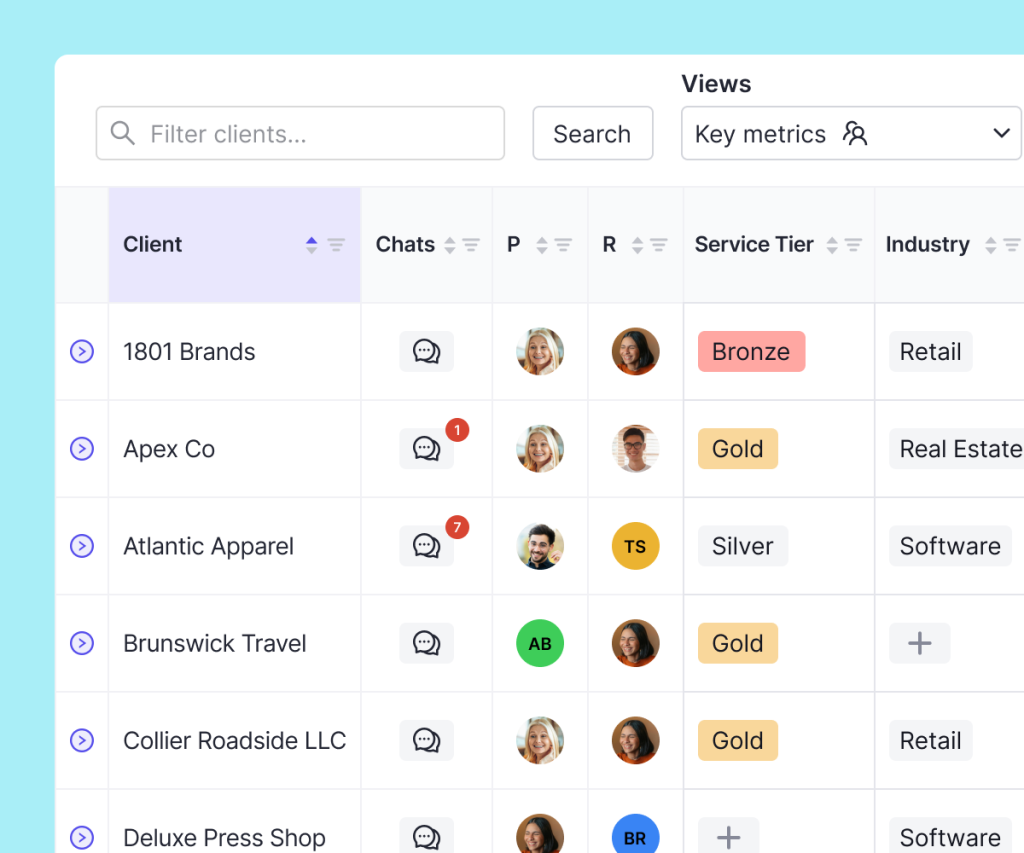
View & organize all your clients
Learn how to track client documents, close statuses, open transaction questions, and more, in a single dashboard view.
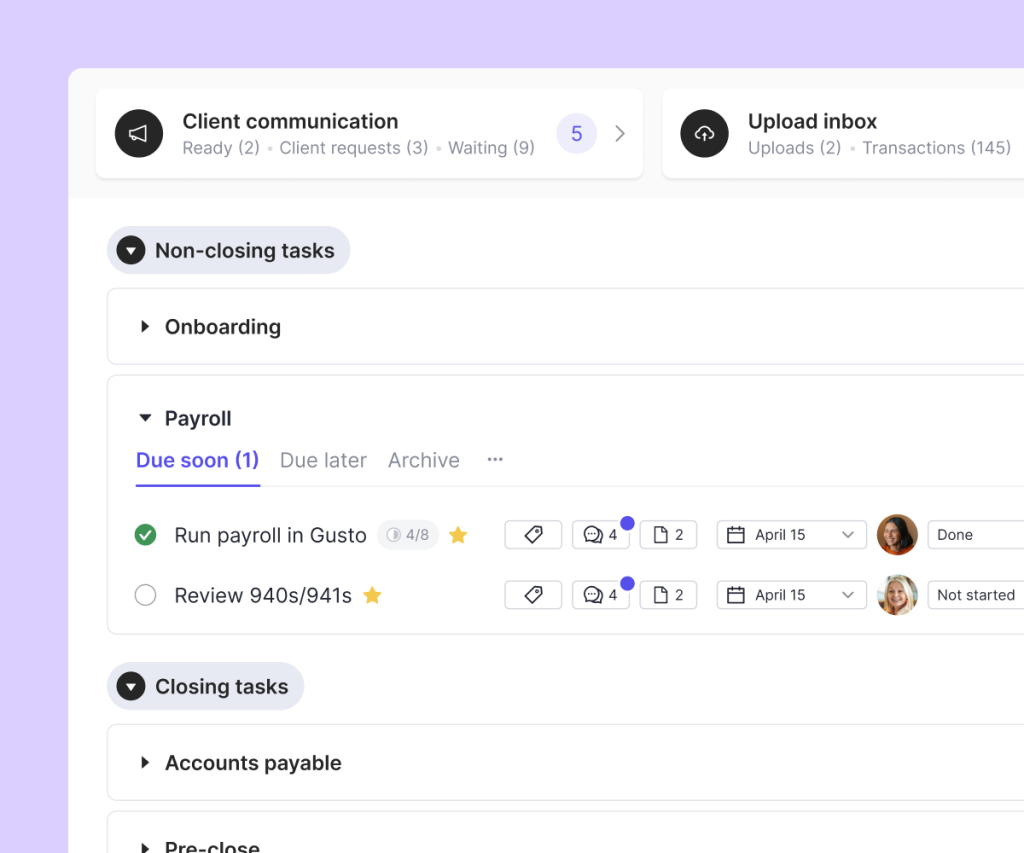
Expert workflows
Create workflow templates and one-off tasks that are automatically re-applied each month. Move through the close page from top to bottom, and mark tasks as “done” to instantly notify managers for review.
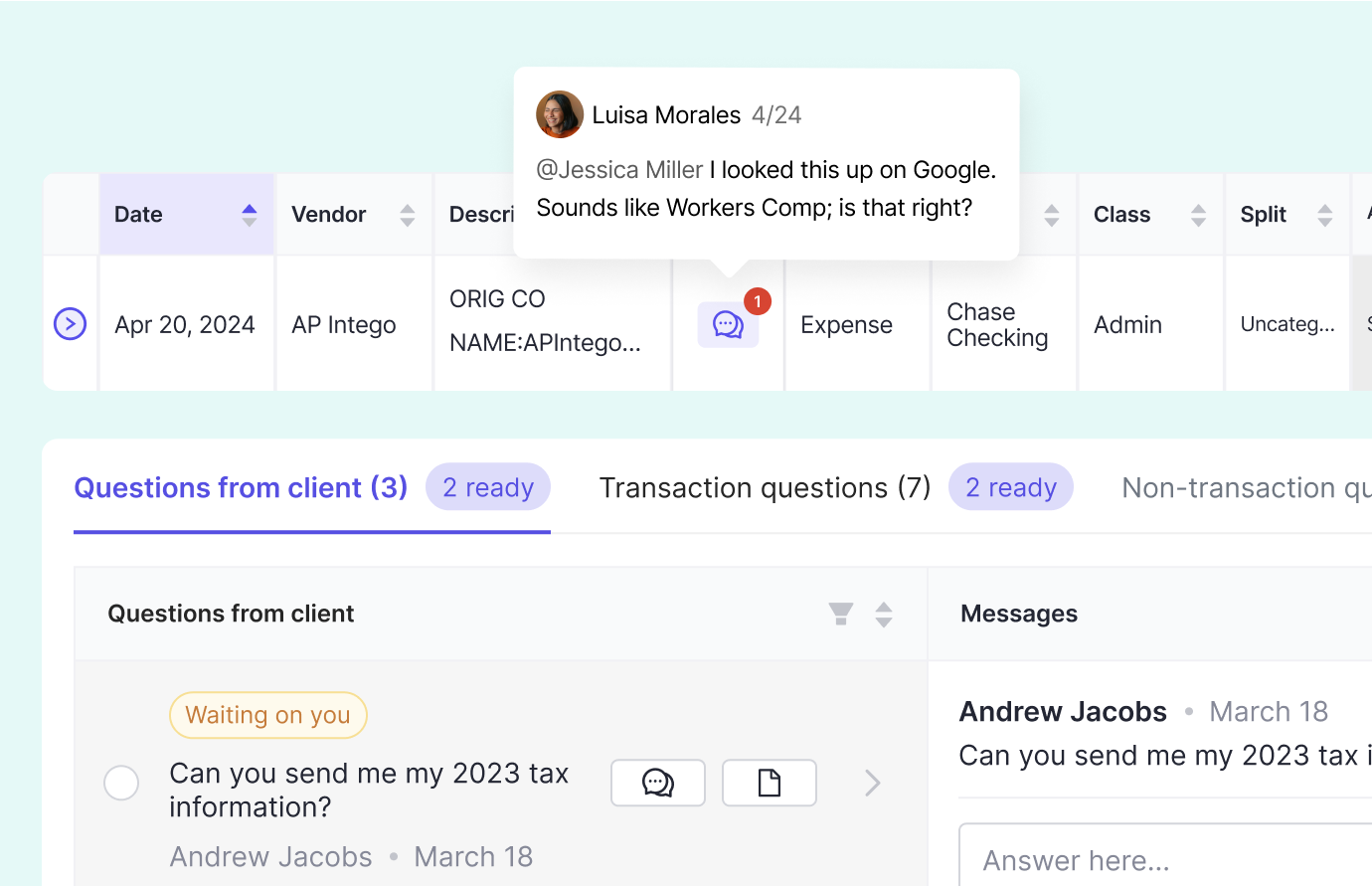
Promote collaboration
Stay connected with your team, and learn how to collaborate internally with Double comments.
About the Course
Learn how to efficiently manage your monthly performance and team collaboration with Double’s CRM and task management tools. In this course, you’ll explore how to utilize the client list, organize tasks, track client properties, and handle internal communication, all within a centralized platform. Discover how to streamline your workflow using filters, saved views, customizable templates, and recurring tasks, while ensuring smooth operations through task completion tracking and instant manager reviews.
Course Curriculum
-
1
Workflow Organization
-
(Included in full purchase)
Email Notifications for Bookkeepers
-
(Included in full purchase)
The Task List
-
(Included in full purchase)
Task Statuses
-
(Included in full purchase)
The Activity Log
-
(Included in full purchase)
Multi-user sign-offs
-
(Included in full purchase)
Quiz
-
(Included in full purchase)
-
2
CRM & The Client List
-
(Included in full purchase)
The Client List
-
(Included in full purchase)
The Client List: Views & Filtering
-
(Included in full purchase)
Client Properties
-
(Included in full purchase)
Close Statuses
-
(Included in full purchase)
Close Assignees (P/R/M)
-
(Included in full purchase)
Comments
-
(Included in full purchase)
Client Details
-
(Included in full purchase)
Client Notes
-
(Included in full purchase)
Quiz
-
(Included in full purchase)
-
3
Tasks
-
(Included in full purchase)
Custom Tasks
-
(Included in full purchase)
Closing Tasks
-
(Included in full purchase)
Priority Tasks
-
(Included in full purchase)
Quiz
-
(Included in full purchase)
-
4
Templates
-
(Included in full purchase)
Intro: Task Templates
-
(Included in full purchase)
Task Templates
-
(Included in full purchase)
Community Templates
-
(Included in full purchase)
Email Templates
-
(Included in full purchase)
Reporting Templates
-
(Included in full purchase)
Resource Templates
-
(Included in full purchase)
Note Templates
-
(Included in full purchase)
Quiz
-
(Included in full purchase)
-
5
Firm Work
-
(Included in full purchase)
Firm Tasks
-
(Included in full purchase)
Firm Analytics
-
(Included in full purchase)
Quiz
-
(Included in full purchase)
How did we do?
-
(Included in full purchase)
Ready to get started?
Learn how to handle task management, client communication, file reviews, and management reporting, all in one app!